Nexus Card


Nexus Card is a browser-based memory matching game built with React. Players flip cards to match pairs, with themes inspired by Blizzard and Riot games. The app is fully client-side, responsive, and features animated card flipping, a timer, move counter, and local high score tracking.
Application Features
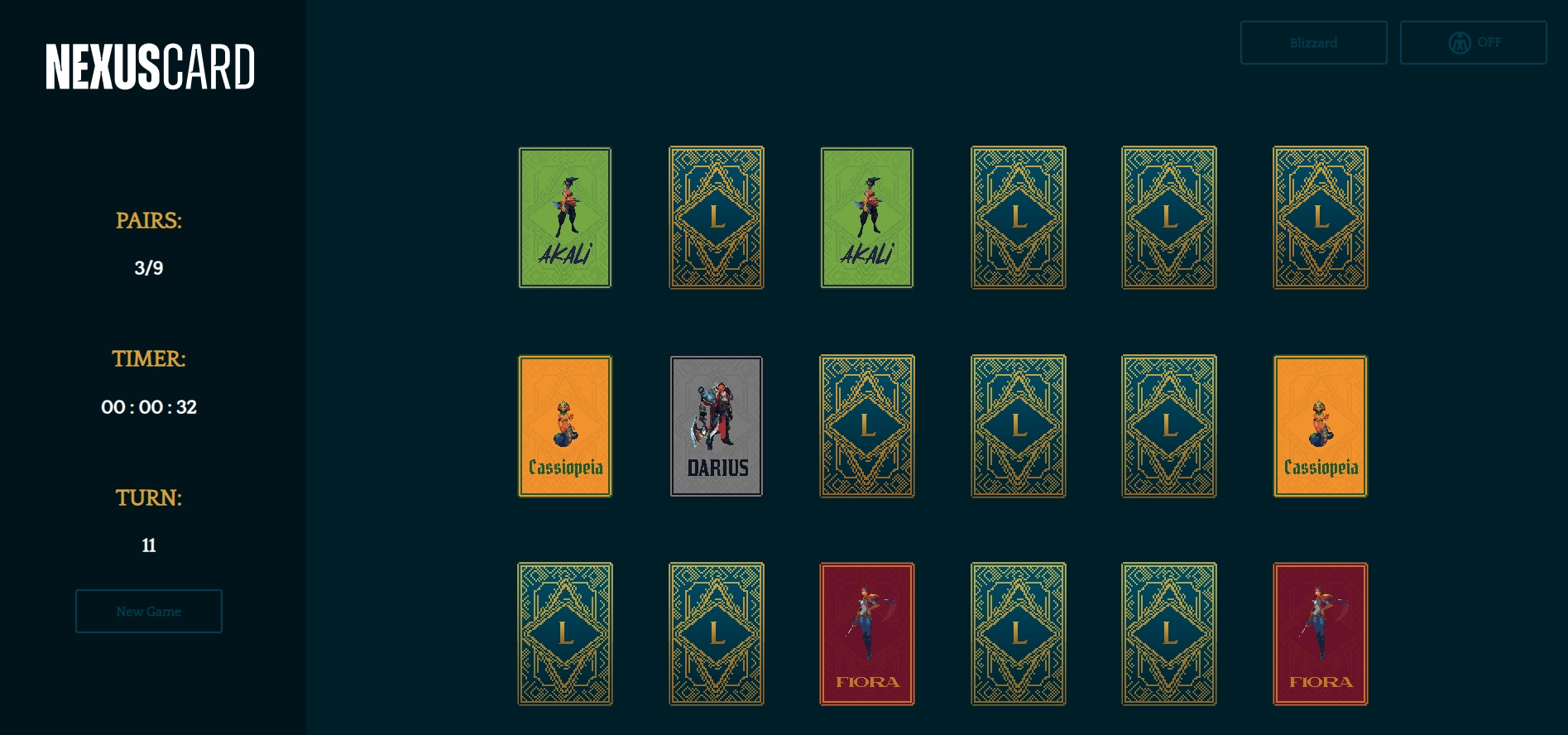
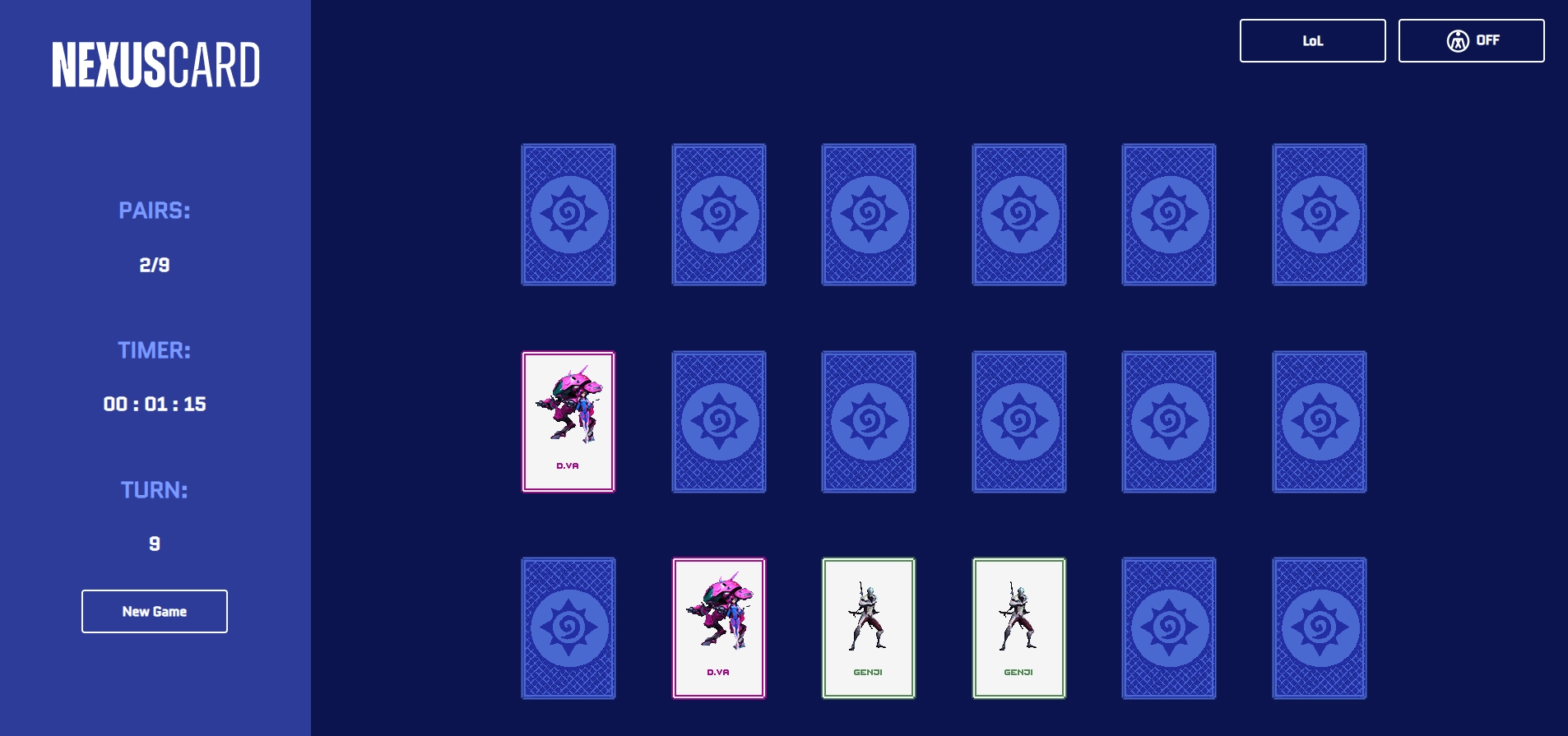
- Multiple card themes (Blizzard, LoL)
- Responsive design for desktop/mobile
- Animated card flipping and match feedback
- Game timer, move counter, and local high score
- Theme selection and asset preloading
League of Legends Theme:
Blizzard Theme:
Accessibility Features
Nexus Card includes accessibility improvements to ensure a more inclusive experience:
- Keyboard Navigation:
- All interactive elements (cards, theme selectors, reset button) are accessible via keyboard (Tab/Shift+Tab, Enter/Space).
- Focus indicators are visible for keyboard users.
- ARIA Labels:
- Cards and buttons use appropriate
aria-labelattributes to describe their function and state (e.g., "Flipped", "Matched"). - The game board and controls are labeled for assistive technologies.
- Cards and buttons use appropriate
- Responsive Layout:
- The UI adapts to different screen sizes and input types, supporting both mouse and touch users.
These features make Nexus Card more usable for a wider range of players, including those using assistive technologies. More features are incoming in the pipeline.
Gameplay
- User selects a theme
- User starts a 'New Game' by clicking the button
- Game board is generated and cards are shuffled
- User flips cards to match pairs
- Timer and move counter track progress
- On completion, score is shown
- User can reset or change theme to play again
Game Logic Overview
- Cards are shuffled and paired on new game/theme change
- Clicking a card flips it; two flipped cards are checked for a match
- Matched cards stay face up; mismatches flip back after a delay
- Timer starts on first flip, stops when all pairs are matched
- Move counter increments per pair flipped
- High scores (fewest moves/time) saved in
localStorage
Architecture & Components
- Framework: React (Create React App)
- App.js: Main stateful component. Handles:
- Game state (cards, moves, timer, matches, theme)
- Theme selection and asset loading
- Game reset and new game logic
- SingleCard.js:
- Renders an individual card
- Handles flip animation and click events
- Receives props for card state (flipped, matched, disabled)
- LoadingSpinner.js:
- Displays a spinner while assets are loading
- Used during initial load and theme switches
- utils.js/themes.js:
- Helper functions (shuffle, timer, etc.)
- Theme definitions and asset mapping
- CardImg/
- Card images organized by theme (e.g., Blizzard, LoL)
- State Management:
- Uses React
useStateanduseEffectfor all state and side effects - No external state libraries
- Uses React
Theming & Assets
- Card images are grouped by theme in
CardImg/(both inpublic/andsrc/as needed) - Themes are selectable; changing theme updates card images and resets the game
- CSS variables or classes are used for theme-specific styling
- Fonts can be customized via
src/fonts/
Development & Build
- Run
npm startfor local development - Run
npm run buildto create a production build inbuild/ - Static assets are copied to
build/for deployment - Live demo is hosted on GitHub Pages at
https://jondabubeta.github.io/nexus-card - Deployment is automated via GitHub Actions (
.github/workflows/deploy-pages.yml) - No backend or environment variables required; all configuration is client-side
Extensibility & Future Work
- Add more card themes (e.g., new franchises)
- Add sound effects and music
- Add more accessibility improvements (e.g. Color Contrast, Screen Reader support)
- Support challenge modes